
DECAY
Give it
a past.
Your model looks fresh out of the box. Paint rust, grime, scuffs and light straight onto it with Apple Pencil or a finger.
Put it to work
In development.
Coming to the App Store.
The film could not load. The app capture is shown instead.
Good models.
Bad treatment.
Give the surface something to remember. Build up a pass, place a mark, paint the light. Take back what you overdid.
Rust, grime, soot and oil. Work directly on the model, build up the finish and take back what you overdid.
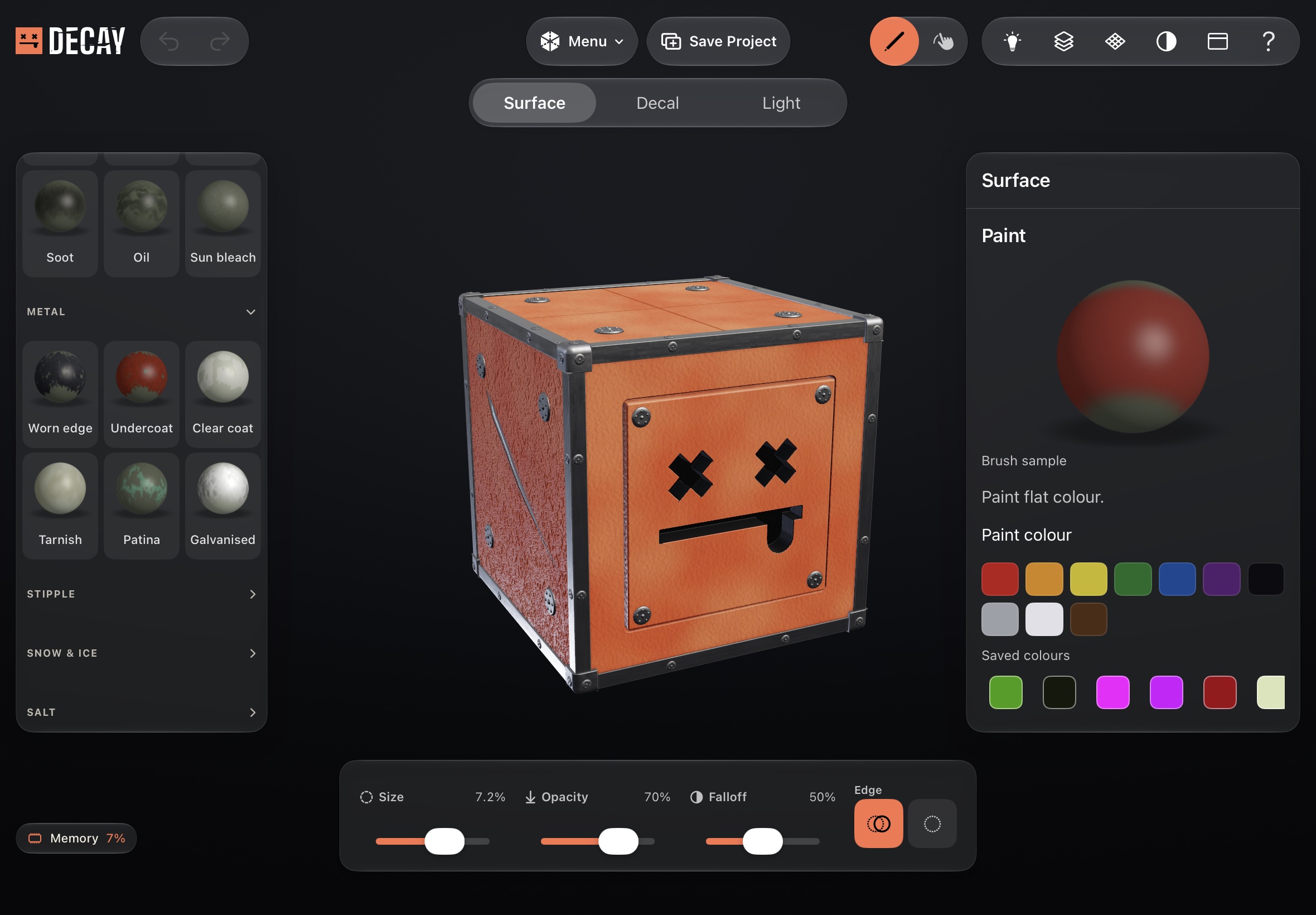 Loading capture…
Paint & finishes
Choose a brush, set the finish and paint straight onto the model.
This capture could not load. Choose another example.
A little less
pristine.
Soot where the heat was. Rust under the drip line. Scuffs where something caught the edge. Put the history where it belongs.
Surface wearRust. Grime. Scuff. Oil.
MetalTarnish. Patina. Worn edges.
WeatherSnow. Ice. Salt. Water.
SkinFreckles. Veins. Scars.
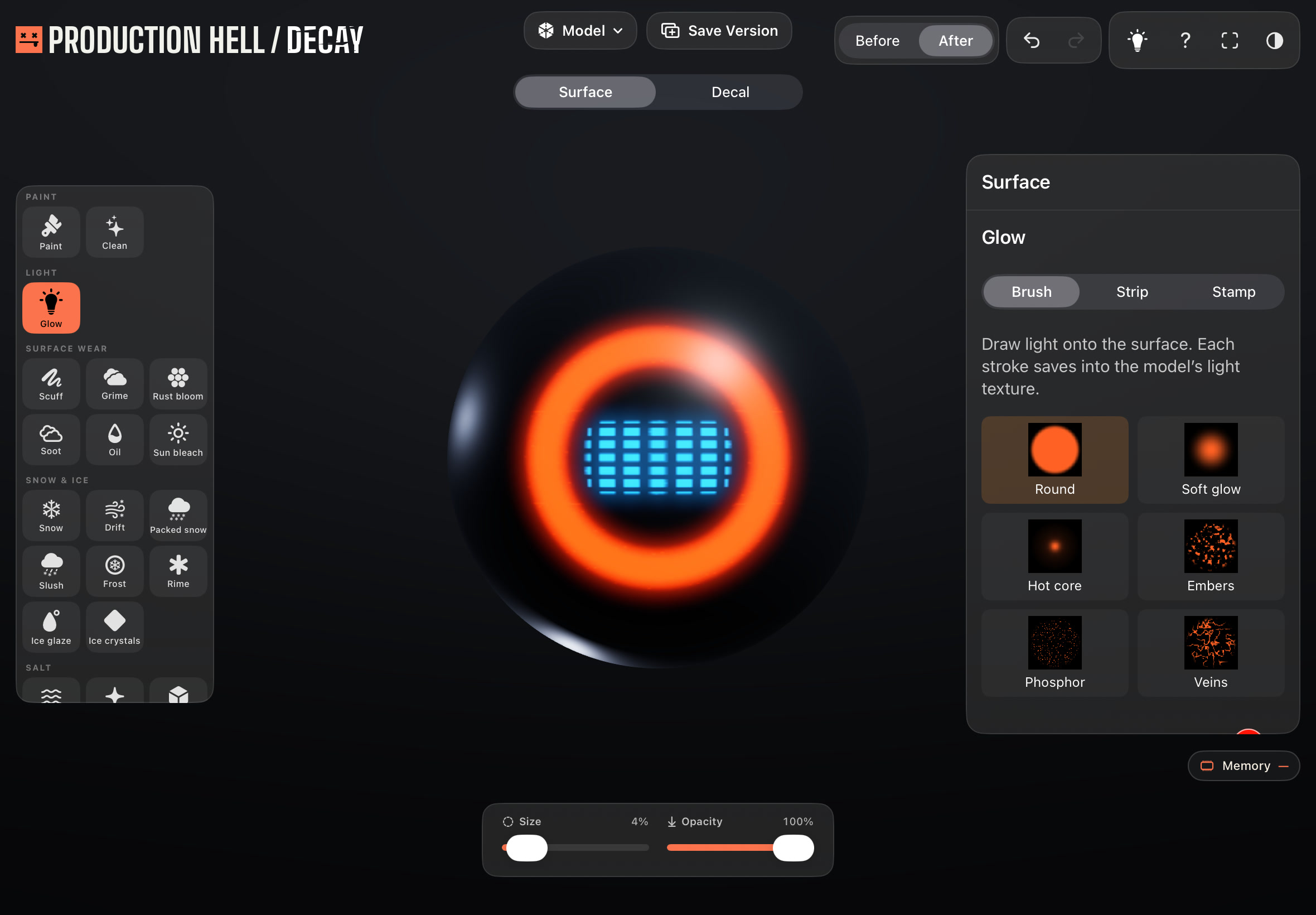
Paint, place decals and work with light. Export still images and videos with a watermark. Decay Full adds project saving, model export and watermark removal in one purchase. Optional decal packs are sold separately.
Pick your kind
of damage.
ESSENTIALS and LIGHT are included, along with eight free decals from each expansion. Buy a full collection when you want more artwork. Your tools work without it.
Even when you absolutely need that one decal.
11 expansions. Swipe or use the arrows to explore. Decal packs and Decay Full are separate purchases.
In.
Wreck.
Out.
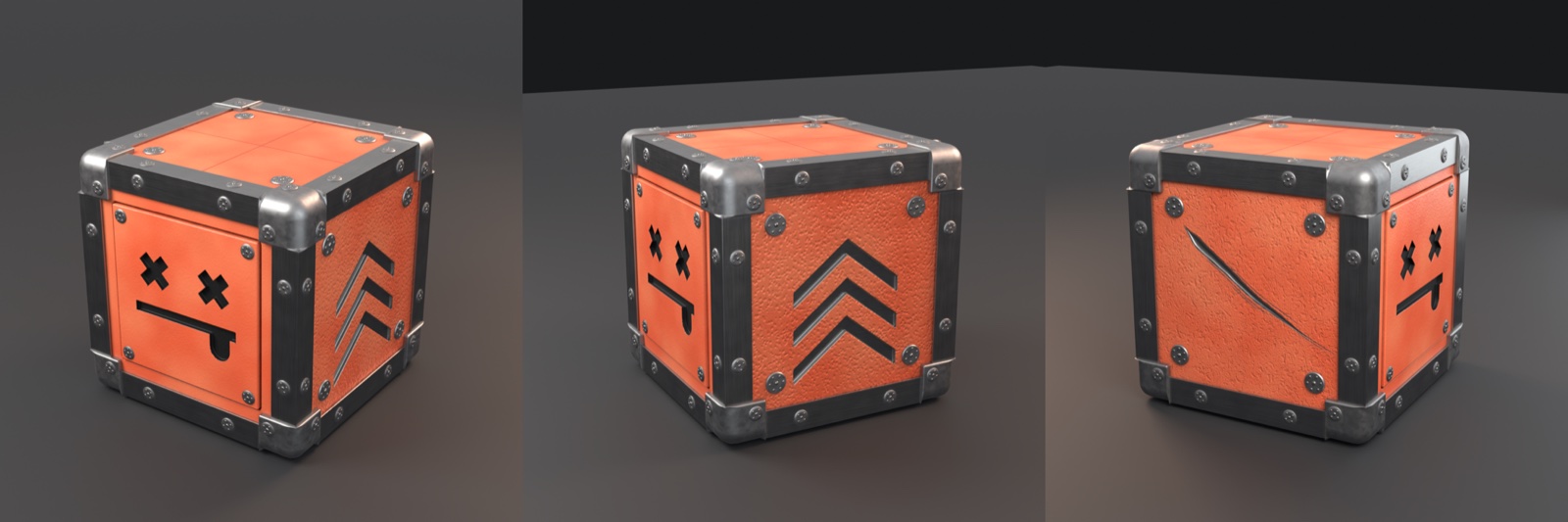
Bring your model.
Open GLB, glTF, FBX, USDZ, OBJ, STL or PLY. Or start with Decay’s road case. Work on individual model parts, hide what is in the way and lock what you want to leave alone.
Keep your work.
With Decay Full, save an editable .decay project and export GLB or OBJ with material textures. Still images and turntable videos are free to export with a watermark. Decay Full lets you remove it.
Read the export guideRoom for the detail.
Start at 4K, or work up to 16K textures on supported iPads. Keep fine surface detail for close-up shots and exported textures. Higher resolutions need more free storage.


Bring your iPad.
iPadOS 26 or later, Apple GPU family 7 or later and at least 6 GB of memory required. An M-series iPad is recommended. Paint with Apple Pencil or a finger.

Make something
worth ruining.
Decay is in development.
Coming to the App Store.